What you’ll learn:
- How a smart website layout builds trust and guides your shopper
- What makes a premium website design feel polished without overdoing it
- The e-commerce UI tips that actually improve conversions
Introduction
It’s not just about expensive fonts or black-and-white color schemes. A real premium website design looks sharp, feels calm, and just works. It doesn’t try to do everything, it just does the right things, well.
If you’re building a store that needs to look high-end without spending high-end money, this blog is for you.
Your homepage should know its job
Think of your homepage as your store window. It doesn’t need to say everything. It just has to land well.
A strong website layout starts with focus. One headline. One call to action. One key image that sets the tone. Don’t clutter the top with too many buttons or banners. That’s not premium website design, that’s a garage sale.
Great ecommerce UI tips always point back to simplicity. Make it easy to start exploring, and people will.
Use space like it costs something
Nothing says “premium” like breathing room.
If your website layout is crammed edge-to-edge, it feels chaotic. But white space? That’s luxury. A well-spaced grid, clear margins, and smart padding make every product look better. Use fewer elements, but give them room to shine.
Most ecommerce UI tips overlook this. But spacing is what separates cheap from curated. That’s what gives premium website design its edge from the first look.
Typography does the talking
You don’t need fancy animations if your type does its job.
A premium website design picks fonts that match the tone. Whether it’s quiet luxury or bold confidence. It doesn’t mix six typefaces or shout in all caps. It keeps the hierarchy clean and readable. Headlines guide. Body text calms.
Use this as part of your overall website layout strategy. Text isn’t just decoration. It’s a key part of how people experience your site. Follow simple ecommerce UI tips and stick to two font families max, and let them speak clearly.
Treat your product pages like landing pages
Each product page should guide, not just exist.
Every element on the page should guide someone toward buying: clean images, clear pricing, visible reviews, and a button that doesn’t hide.
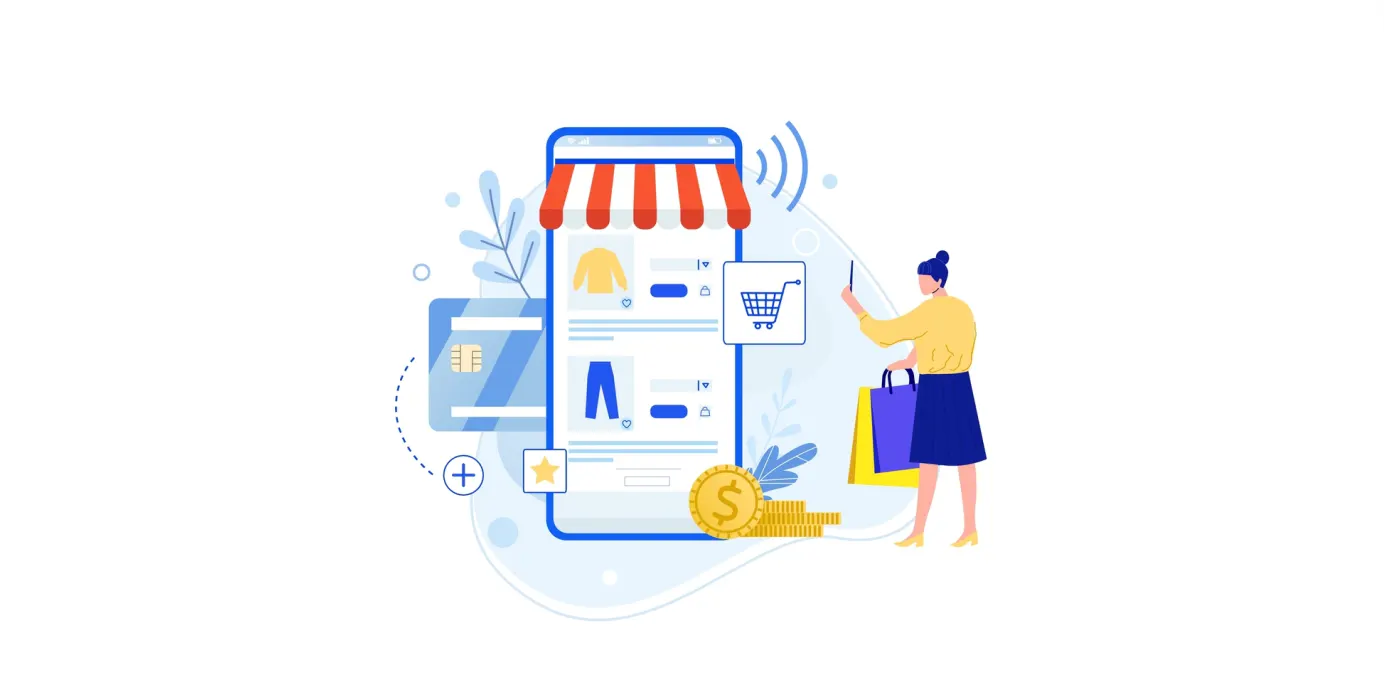
This is where smart ecommerce UI tips shine. A sticky “add to cart” button, mobile-friendly website layout, and helpful detail sections all help make the page feel like it was designed for humans, not just screens.
Want it to feel high-end? Keep the visual noise low. That’s how you get a premium website design that doesn’t try too hard.
Conclusion
A premium website design doesn’t just look the part, it works smarter. With a thoughtful website layout, focused content, and the right ecommerce UI tips, you make your store feel worth trusting.
Premium doesn’t mean flashy. It means intentional. Clean. Easy to use. And when your design works that well, the rest takes care of itself.